Names from the contents
It uses extracted text, OCR, document metadata, image dates, and file type signals so filenames can describe the item instead of the old timestamp or camera code.
Native Mac file cleanup
A calm place to rename the files that collect on your Mac: screenshots, receipts, PDFs, notes, images, archives, and media. Tymender reads the file, suggests a clearer name, and waits for your review.
Native macOS app for macOS 14 or later. One-time personal license: $9.99.
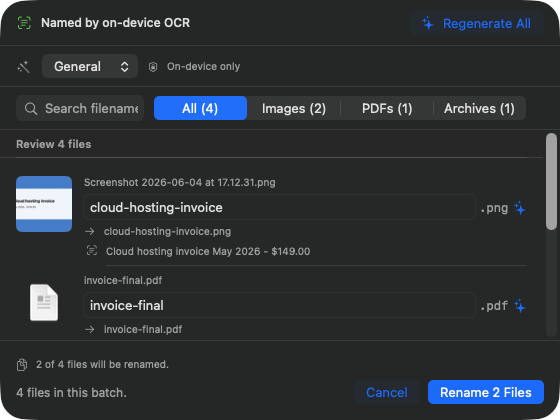
Tymender is built around one rule: no file changes until you have seen the proposed names. Start from a watched folder, Finder, or drag-and-drop, then approve the batch yourself.
It uses extracted text, OCR, document metadata, image dates, and file type signals so filenames can describe the item instead of the old timestamp or camera code.
Select files in Tymender or send them from Finder's right-click menu. Either way, you land in the same preview with search, filters, editable names, and a clear apply button.
Each applied batch keeps before-and-after names in history. Copy summaries, export records, and undo when the original path is still available.
Most file-renaming tools either ask you to write rules or trust automation. Tymender keeps the work close to the files and gives you a short path from mess to reviewed names.
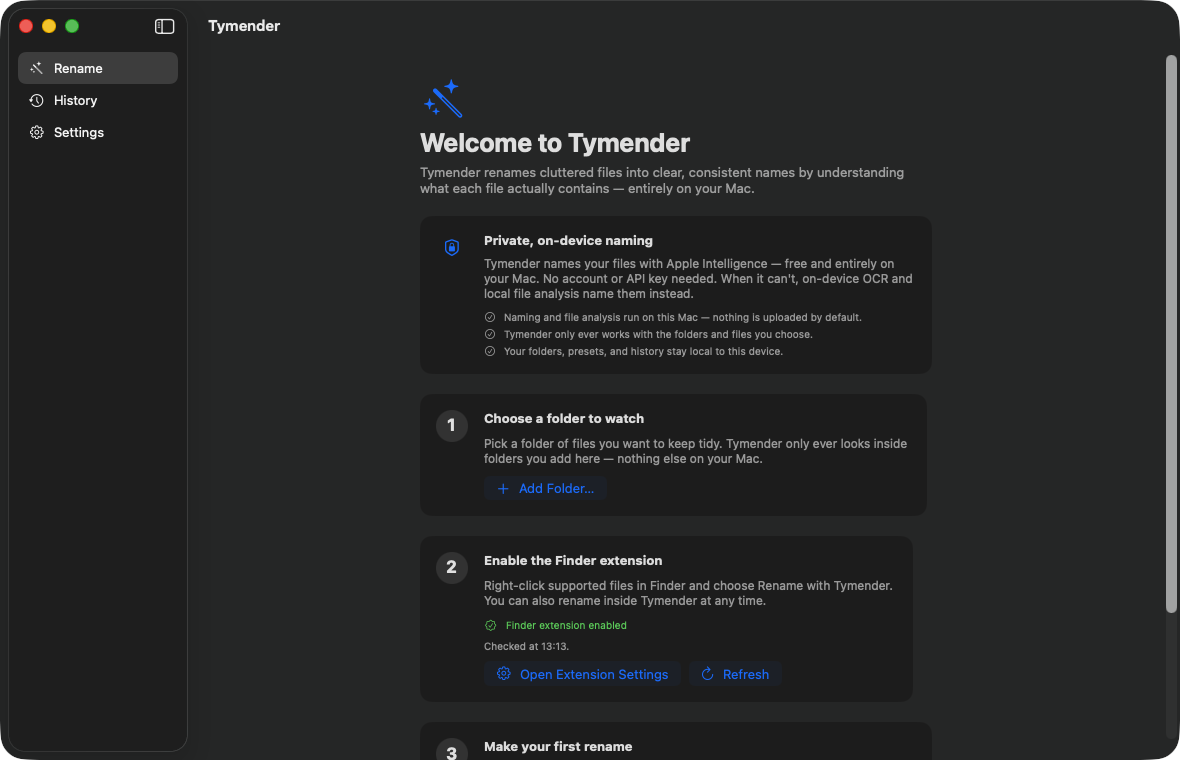
Add a folder, drag files in, or use Finder. Tymender only works with the files you choose.
See original and proposed names side by side. Edit names directly before the batch is applied.
Rename the batch, then keep the record in History for review, export, or undo.
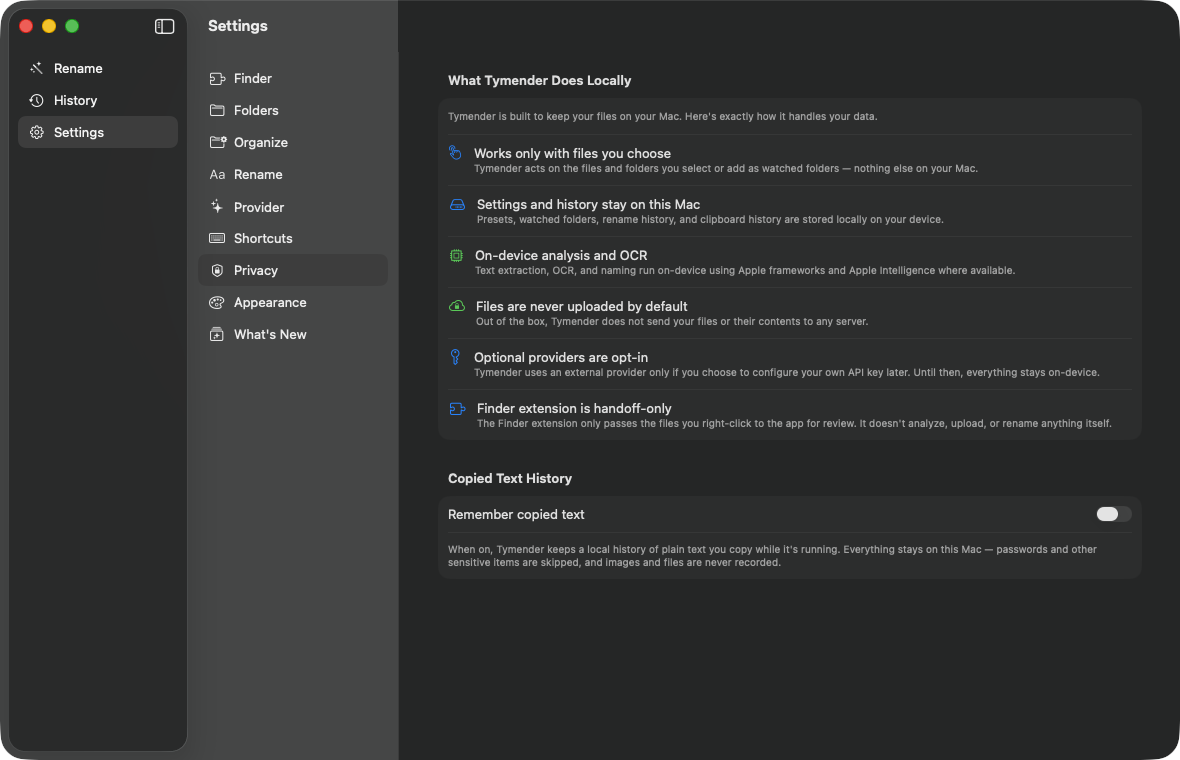
The screenshot set uses a fake demo folder, not personal files. It shows the current onboarding, file browser, rename preview, privacy settings, product updates, and rename history.
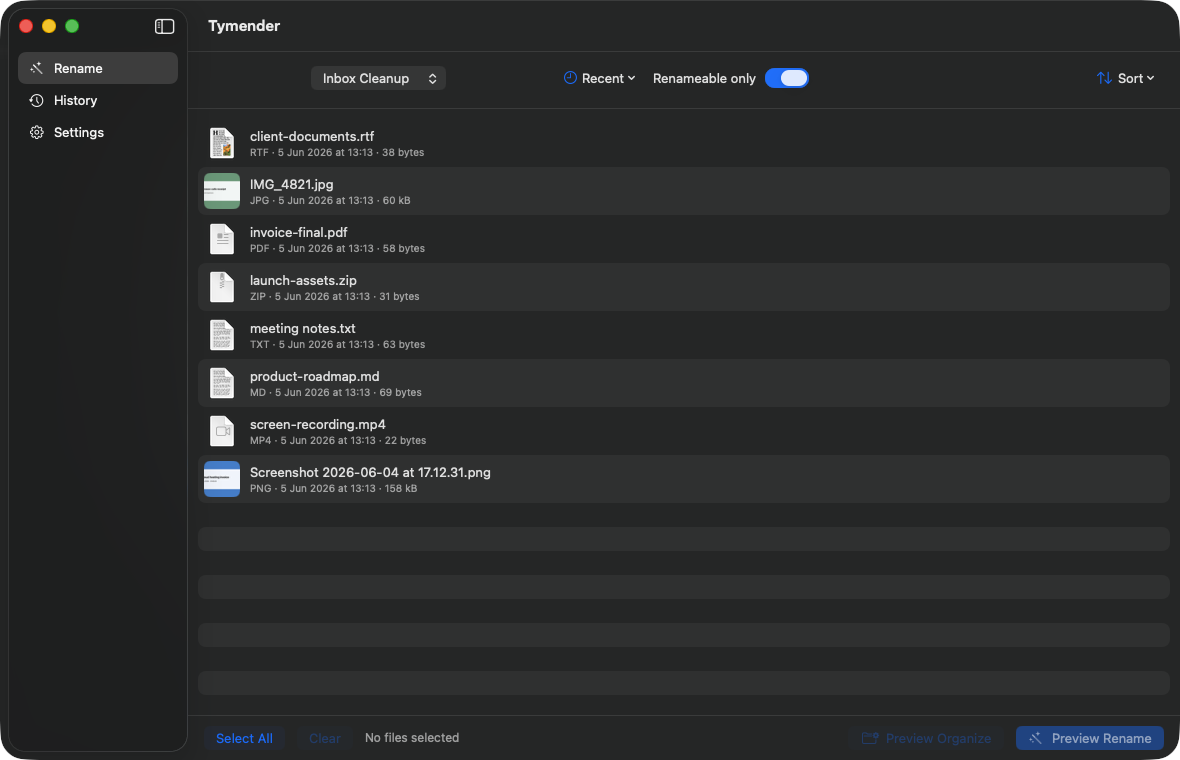
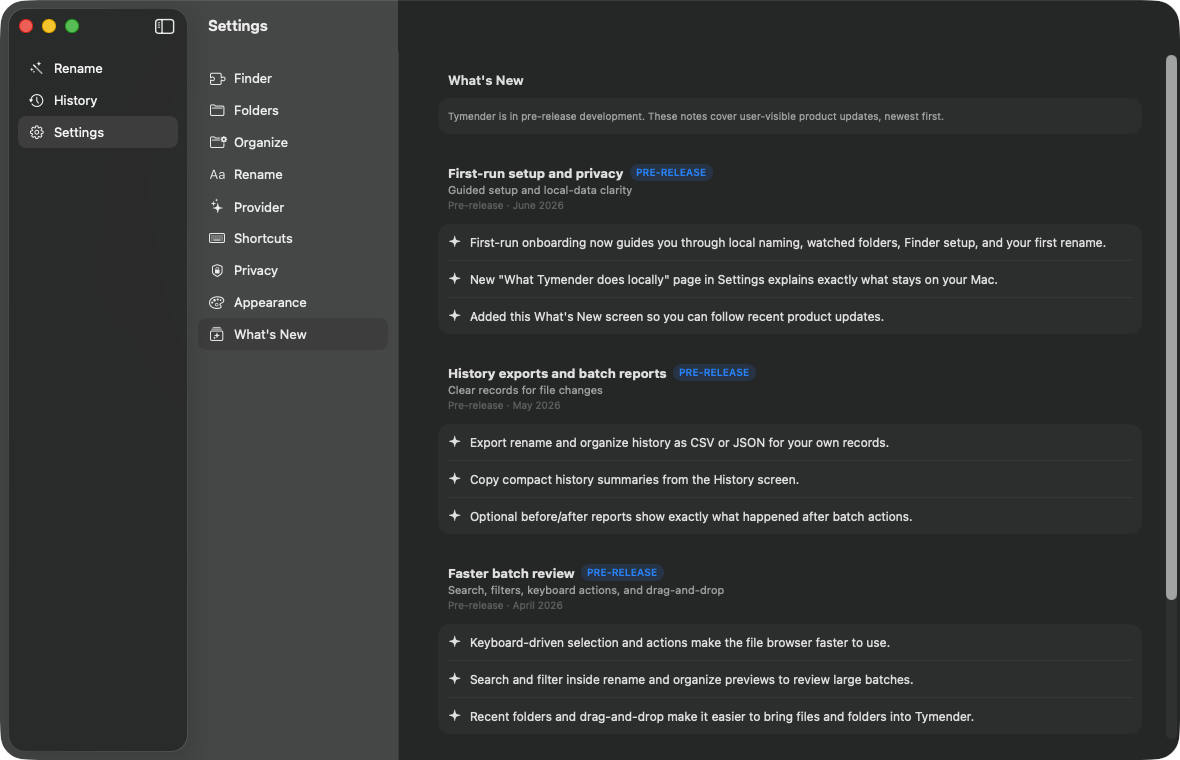
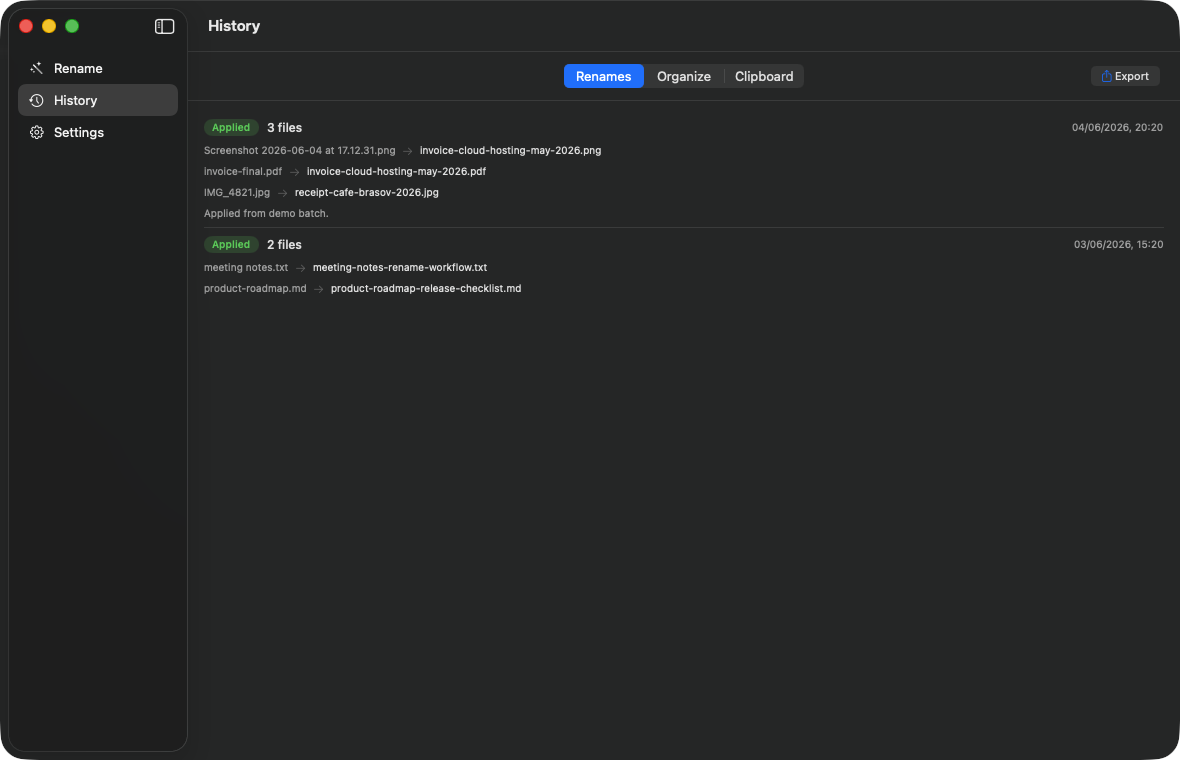
Tymender is for ordinary cleanup: saved receipts, screenshots with timestamps, PDFs called final-final, camera imports, zipped launch assets, meeting notes, and media files that need enough context to find later.
Tymender is sold directly from this site as a native Mac app for people who want clearer file names without a subscription.
One-time purchase for one Mac user. Includes rename previews, batch review, history, undo, and export tools.
Secure checkout opens in a Stripe-hosted payment page. Cards, Apple Pay, Google Pay, and Link may appear depending on your device and region.
Built as a native Mac app. Apple Intelligence can help on compatible Macs, and local naming remains available on every supported Mac.
Your files stay on your Mac unless you choose an external naming provider. Tymender shows a preview before anything is renamed.
After purchase, you receive the Mac download and license details by email. The app is distributed outside the Mac App Store.
Short answers about how Tymender handles files, privacy, and purchase delivery.
No. It creates a preview first. You can edit suggestions and apply the batch only when the list looks right.
No uploads by default. The app works with selected files locally, and optional external providers are opt-in only.
Screenshots, images, PDFs, text documents, office-style documents, archives, media files, and generic files can all be reviewed.
After checkout, the download and license details are sent to the email address used for purchase.
Start with a preview, edit anything that needs a human eye, then apply the rename batch when it looks right.